



Industry Challenges
Your digital content is at risk of being pirated, copied, or shared
Your teams invest significant time and resources researching, creating, and delivering courses, training programs, and educational materials. Without the right content protection in place that investment is at risk, along with your bottom line.
Content Risks:

Unauthorized copying
& sharing

Waste of resources creating the content

High Rates of Content Piracy

Difficulty collaborating together

Loss of revenue / impacts to bottom line
Vitrium Can Help
Vitrium protects your content and
puts you in control
Vitrium gives education and training organizations the tools to protect, control, and distribute their most valuable content. Vitrium technology fits into your workflows and allows your users to easily access the resources they need.
01.
Protect
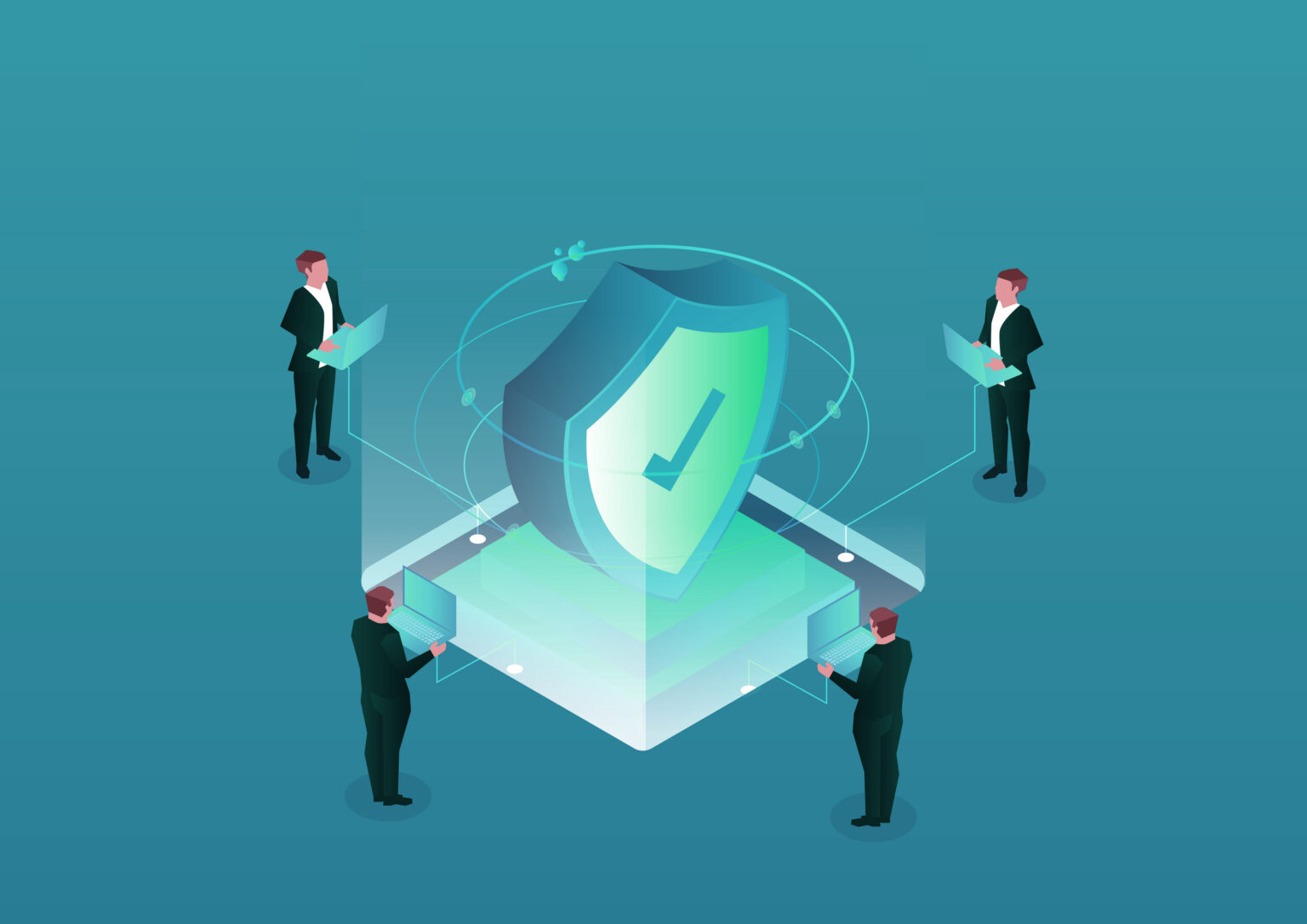
Encrypt Every Course, Guide, and File
Every file is protected the moment it’s published, so your content stays secure wherever it goes.
Use Vitrium to protect your:
Course Materials
Certification guides
Training Manuals
Audio Content
Videos
02.
Control
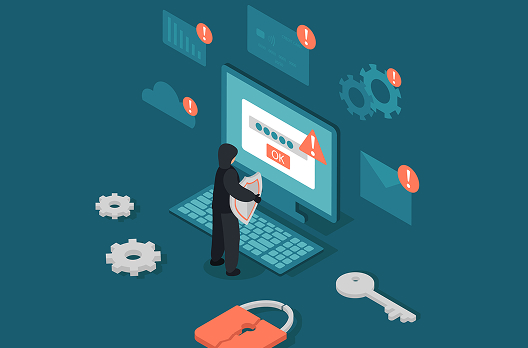
Control Who Accesses What and When
Apply different permissions to students, instructors, and partners. Control printing, downloading, and sharing, with expiration dates tied to enrollment or subscriptions.
Use Vitrium to control:
Expiry & Time Limits
Access Revoke
Restrict Locations
Screen Capture Limits
Dynamic Watermarks
03.
Share
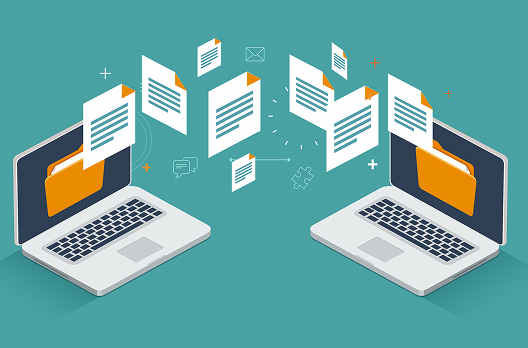
Deliver Content Where Your Users Are
Distribute protected content through a branded portal, secure links, your LMS, or your website so your users get easy access and you keep full control over your resources.
Use Vitrium to distribute your content:
Secure Web Viewer
Web Links
Customizable Portals
Protected PDF Downloads
Third-Party Integrations
04.
Track

Know How Users Engage With Your Content
Understand who is accessing your materials, how often, and for how long, helping you measure engagement and spot unauthorized sharing early.
Use Vitrium to protect your:
Standards Documents
Certification guides
Training materials
Audio content
Videos
05.
Collaborate
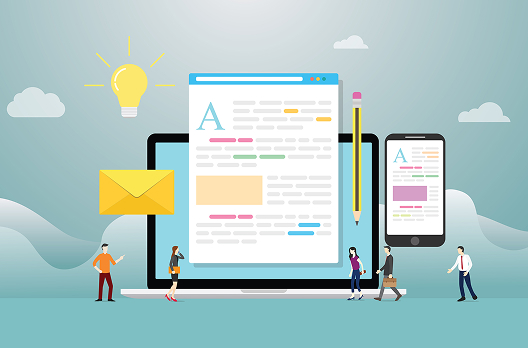
Work Securely With Instructors
Give teams, reviewers, and outside partners a secure space to review drafts and share files without losing control of your content.
Use Vitrium to collaborate:
Annotation
Notes & Comments
User Uploads
Granular Controls
Detailed Reports
Common Use Cases
Education & Training
Case Studies
Several specialized training providers, universities, and content providers protect and deliver their educational content using Vitrium Solutions.






Key Capabilities
Everything You Need to
Control Your Content
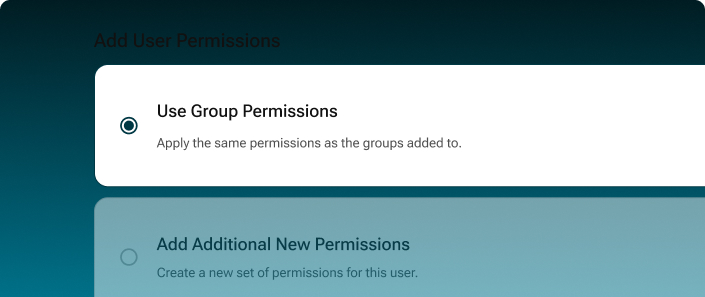
Access Control & Permissions
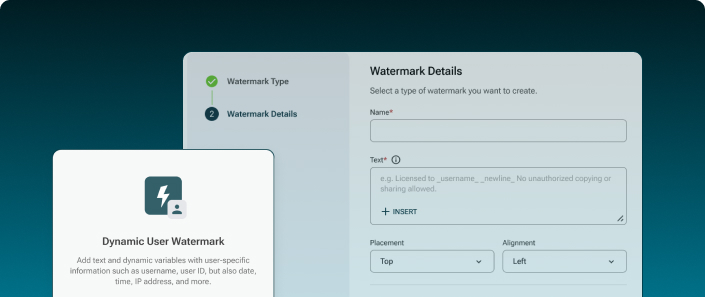
Dynamic Watermarking
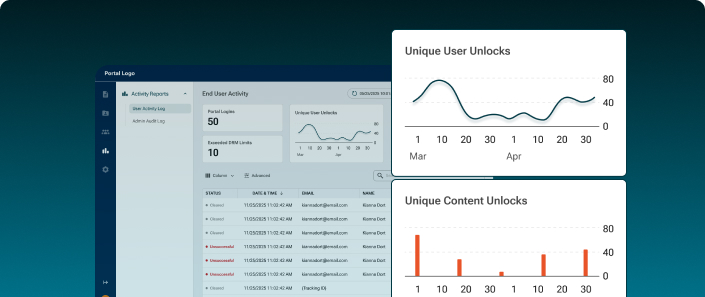
Usage Tracking & Analytics
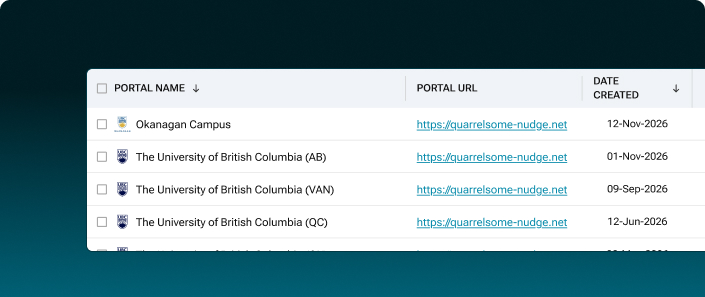
Secure Distribution
Testimonials
Client Stories and Experiences
“
Vitrium has improved my security 100%. I have achieved my goals: I can add DRM & I encrypt my videos, & I can share them securely.

— Nils Larsen
“
Integrating Vitrium Security Enterprise DRM with our LMS has allowed us to protect our content while making distribution easy and simple.
