













Industry Challenges
Your digital content is at risk of being pirated, copied, or shared
Your teams invest significant time and resources developing, creating, and delivering courses, training programs, and other educational materials. Without the right content protection in place, your intellectual property is at risk, along with your bottom line. Consider Vitrium’s premier digital rights management (DRM) solution.
Risks You Face:

Unauthorized copying
& sharing

Waste of resources

High rates of content piracy

Loss of revenue
Vitrium Can Help
A Vitrium DRM solution protects your content and puts you in control!
Vitrium provides educational and training organizations the tools to protect, control, track, and distribute their digital content, while maintaining the balance between protection and user experience. Integrate Vitrium’s DRM software with your LMS, website, eCommerce system, or use our custom portal.
01.
Protect
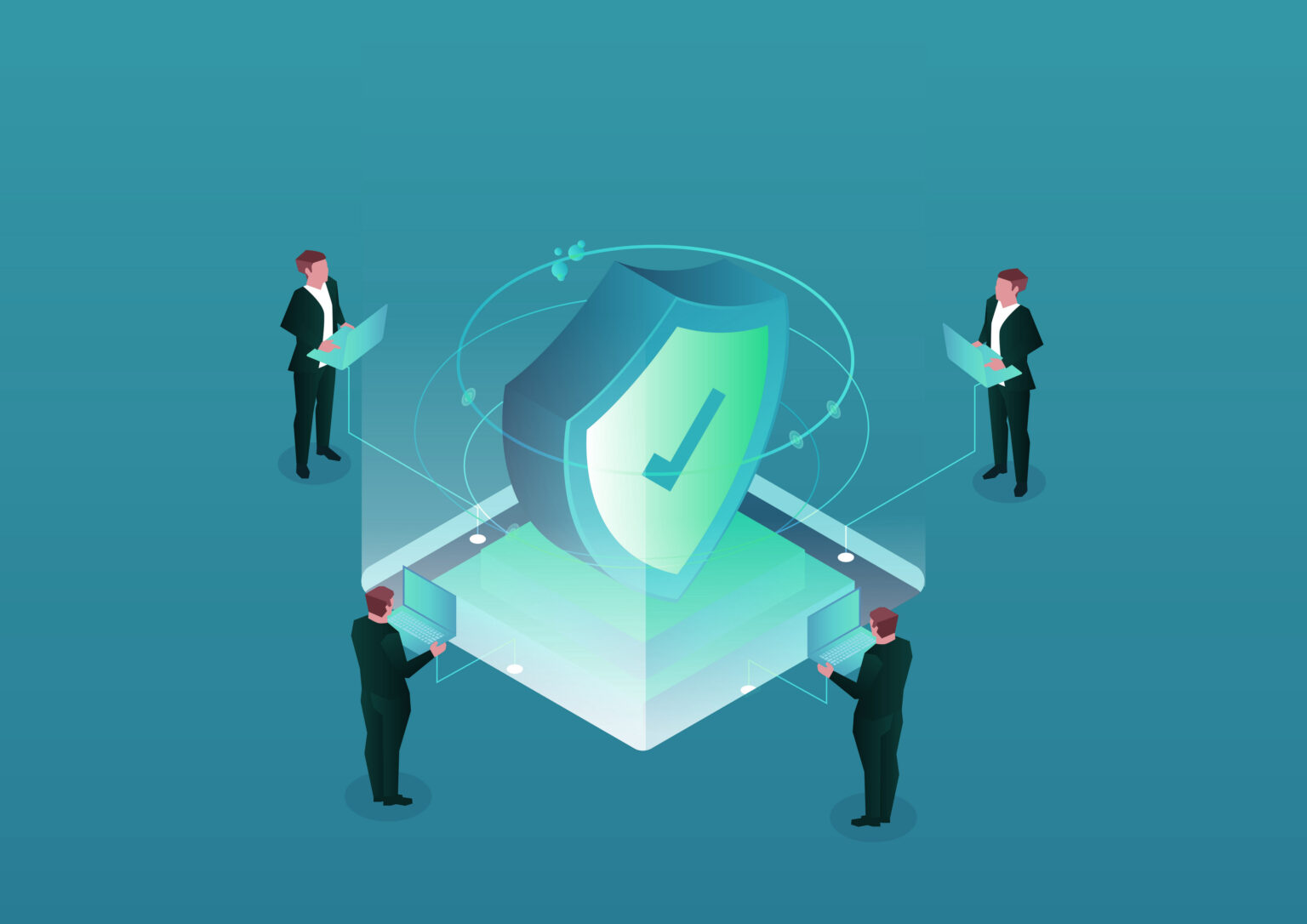
Encrypt Your eBooks, Videos, Podcasts, Guides, and More
When you upload your PDFs, videos or audio files into Vitrium, each file is converted into one of Vitrium’s encrypted formats: secure web viewer and protected PDF for documents, secure video player for videos, or secure audio player for audio files. Each individual content remains protected no matter where it goes.
Use Vitrium to protect your:
Course materials
Certification guides
Training manuals
Videos
Audio content
02.
Control
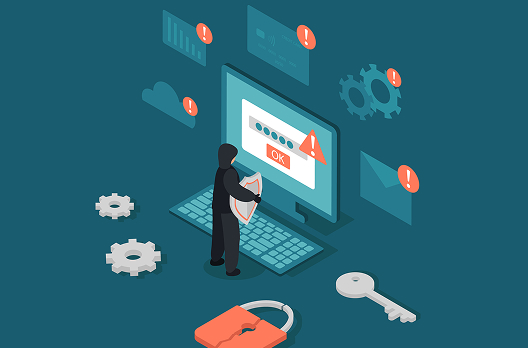
Control Who Accesses the Content and When
Choose from over 20 different DRM controls in Vitrium’s software – from expiry dates, print & copy controls, and device limits, to dynamic watermarks, IP address & location restrictions, and more. Apply different DRM controls to different types of users (students or teachers) or subscriber tiers (Platinum, Gold, Silver).
Use Vitrium to control:
Expiration & time limits
Print & copy controls
Device limits
IP address restrictions
Dynamic watermarks
03.
Share
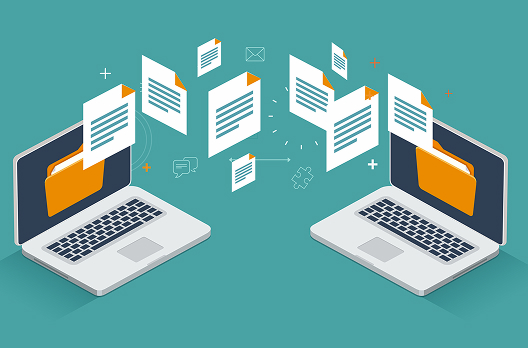
Deliver Content Where Your Users Are
Vitrium offers different product lines and different editions to suit the various use cases we see out there. From simply emailing individual secure web links to your students or trainees, or using the Vitrium end user portal (which you can customize), to distributing protected content from within your preferred learning management system (LMS), eCommerce system, or other training or eLearning platform. We’ve seen it all!
Use Vitrium to distribute your content:
Secure Web Viewer
Web Links
Customizable Portals
Protected PDF Downloads
Third-Party Integrations
04.
Track
Track User Activity & Engagement
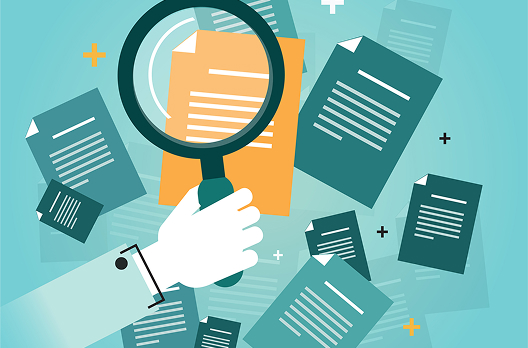
Understand who is accessing your educational or training content, specifically which title, which user, what date, how often, and from what country or state. All of this and more is included in Vitrium’s User Activity Log. With other reports, you can identify your most popular content, view read-through-rates for documents, viewing rates for videos. This type of engagement analytics can be useful to make important decisions in your business.
Use Vitrium to track:
Content name
User name
Date & time
IP address & country
Other engagement activity
05.
Collaborate
See Your Student's Work or Collaborate with Others
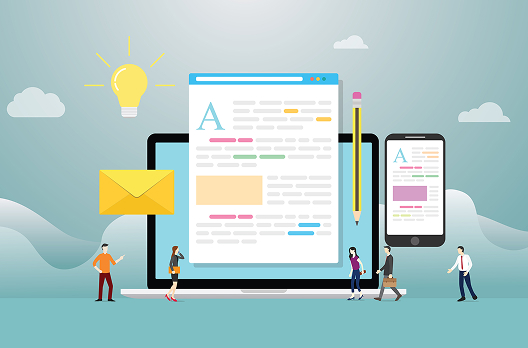
In Vitrium Security, we support fillable forms which allows students to fill in answers to a test or Q&A sheet but we also include an annotation toolbar in our secure web viewer to allow students to highlight, add their comments or other text to a document. In Vitrium Vault, you can provide instructors, editors, reviewers, or outside partners the ability to review and edit document drafts and share files within a secure portal, without losing control of your content.
Use Vitrium to collaborate:
Highlight or annotate
Add notes or comments
Fill in form data
View other users' form data
Edit or review documents
Common Use Cases
Education & Training
Case Studies
Several specialized training providers, universities, and content providers protect and deliver their educational content using Vitrium Solutions.








Key Capabilities
Everything You Need to
Control Your Content
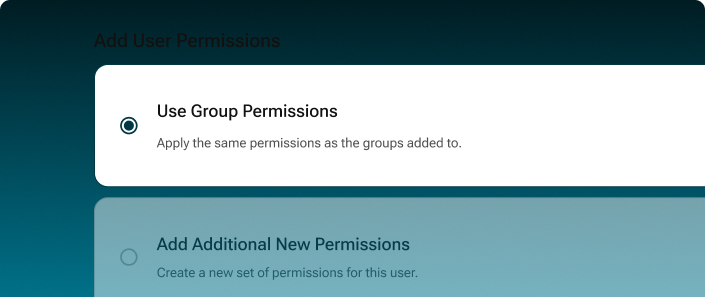
Access Control & Permissions
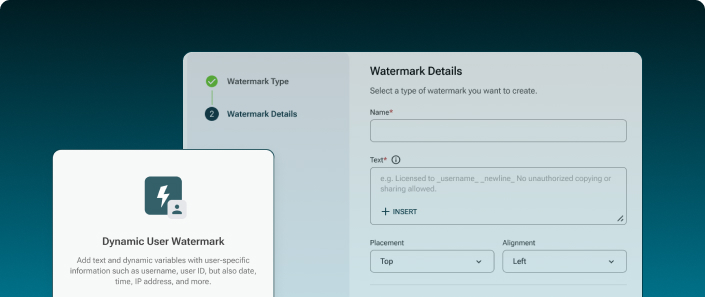
Dynamic Watermarking
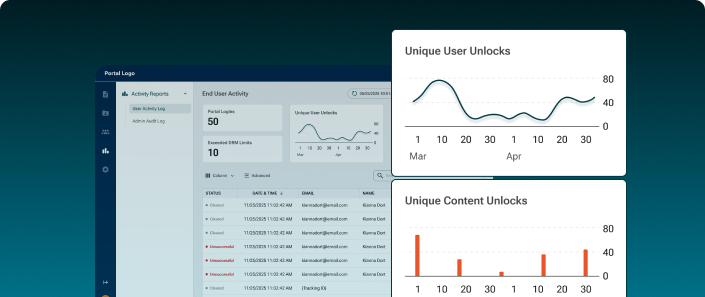
Usage Tracking & Analytics
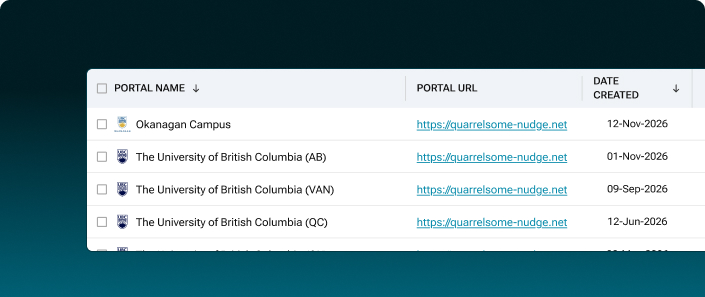
Secure Distribution
Testimonials
Client Stories and Experiences
“
Vitrium has improved my security 100%. I have achieved my goals: I can add DRM & I encrypt my videos, & I can share them securely.

— Nils Larsen
“
Integrating Vitrium Security Enterprise DRM with our LMS has allowed us to protect our content while making distribution easy and simple.
