


To change the way your pages transition in your content:
- Click the View Controls button on the web viewer toolbar, then select Continuous Page or Page by Page to suit your preferred style:
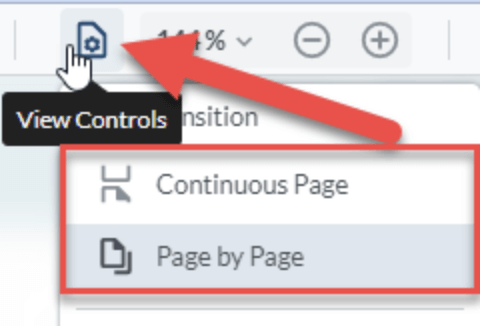
- Continuous Page: ideal for desktop users who like to scroll continuously through pages of a document
- Page by Page: ideal for tablet and mobile users who like to swipe through pages one at a time with their finger
 Important Note:
The Double Page and Cover Facing Page layouts work best with the Page by Page feature to give you that true eBook reading experience, especially for iPad / tablet users!