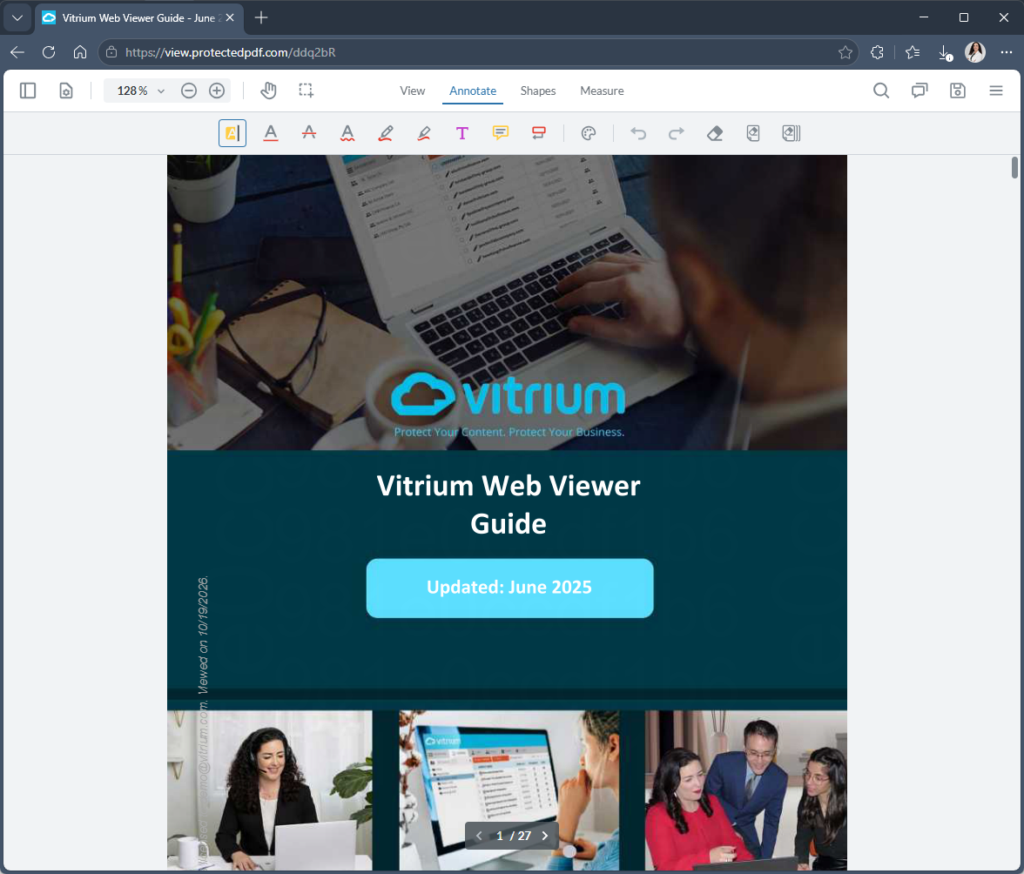
The Vitrium Web Viewer is one of the main encrypted formats for documents and images. The secure web viewer can be accessed by users on any device, on any browser without any apps or plug-ins to download. It features:
- Offline access capabilities
- Numerous annotation features
- Different page-viewing options
- Full text search capabilities
- And much more!
How it Works for Documents & Images
When documents such as PDF files, Word files, and Excel spreadsheets, or images such as JPG, PNG, BMP and others get uploaded into Vitrium Security, the content and all its fonts, images, and graphics get converted to a web format and each page is protected with AES encryption. The resulting content is protected and cannot be edited.
Vitrium Security offers 2 different encrypted formats for documents and images:
- Vitrium Secure Web Viewer
- Vitrium Protected PDF
This guide is focused on the Vitrium Secure Web Viewer.
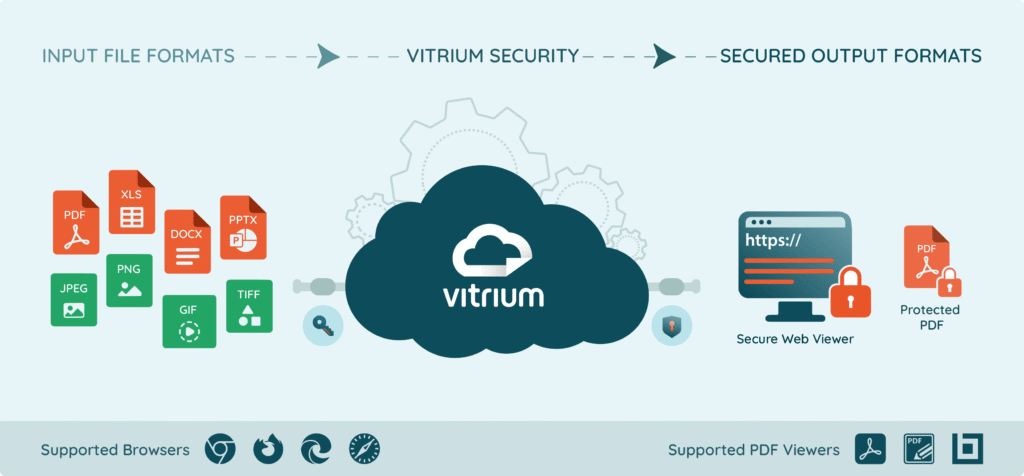
Supported Input Formats
 Documents |
 Images |
|
|
Supported Browsers
 Desktop |
 Mobile / Tablet |
|
|
Web Viewer Toolbar
The web viewer toolbar may differ slightly depending on which Vitrium settings are applied. For example, if printing is not allowed, then the Print button will not appear. If annotations are not allowed, then the Annotate, Shape and Measure features will not be shown in the viewer.
What the Vitrium Web Viewer Looks Like