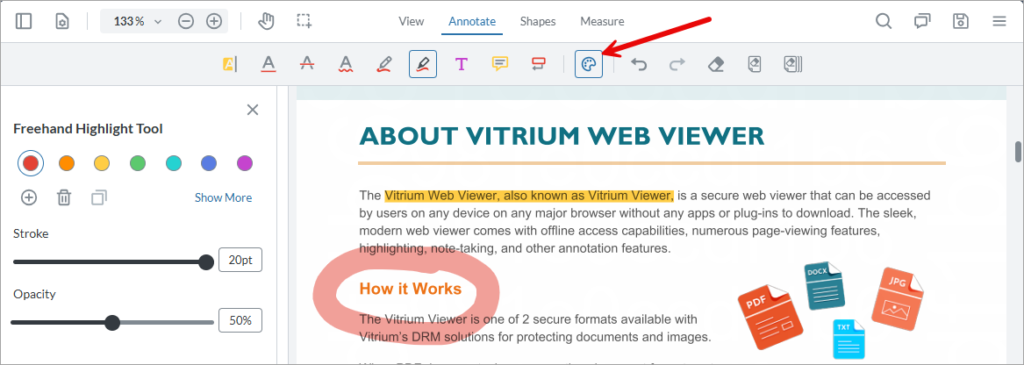
The Vitrium Web Viewer has an extensive number of annotation features built into its toolbar with an incredible array of color choices, pen styles, highlighter thicknesses, font types, and much more!
If you have annotations enabled in your web viewer, then you should see this “Annotate” ribbon after you click on the word Annotate in your toolbar:

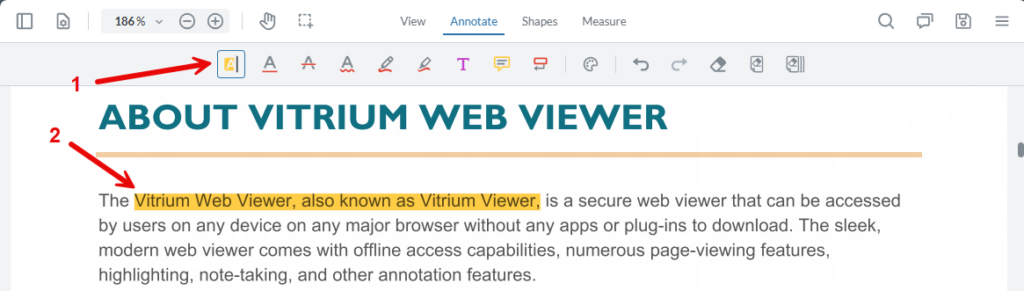
Text Highlight
This allows you to highlight specific text in your content:
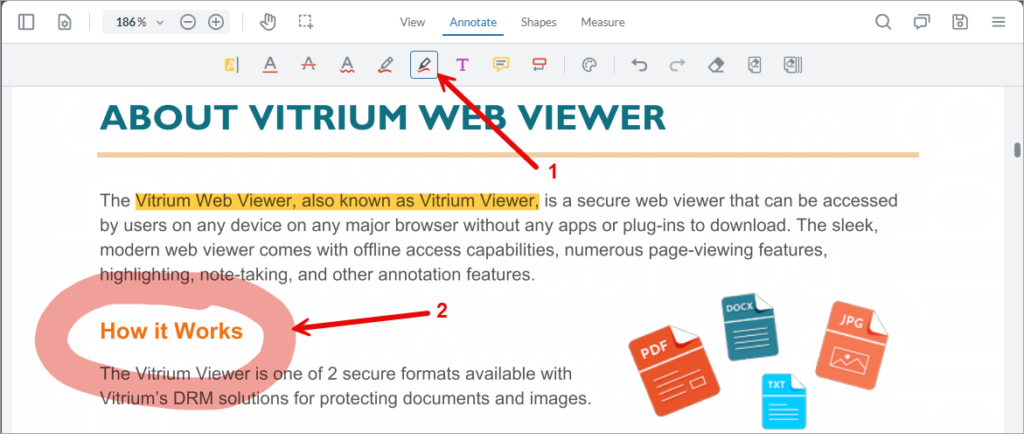
Free Hand Highlight
This allows you to highlight with your free hand (or mouse) anywhere you like in the content:
Change Color, Stroke & Opacity
Click on the Color icon on the annotate toolbar to change the highlight color, stroke and opacity: