The light or dark mode of the web viewer is set to be the same as your browser preference. However, if you prefer to change the mode, you can do so by:
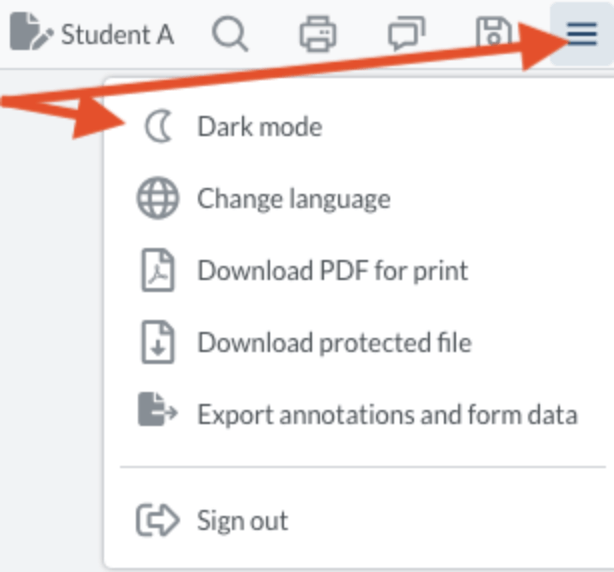
- Clicking the menu button on the top right of the web viewer toolbar (the 3 dots)
- Select mode you prefer:
- Light Mode
- Dark Mode
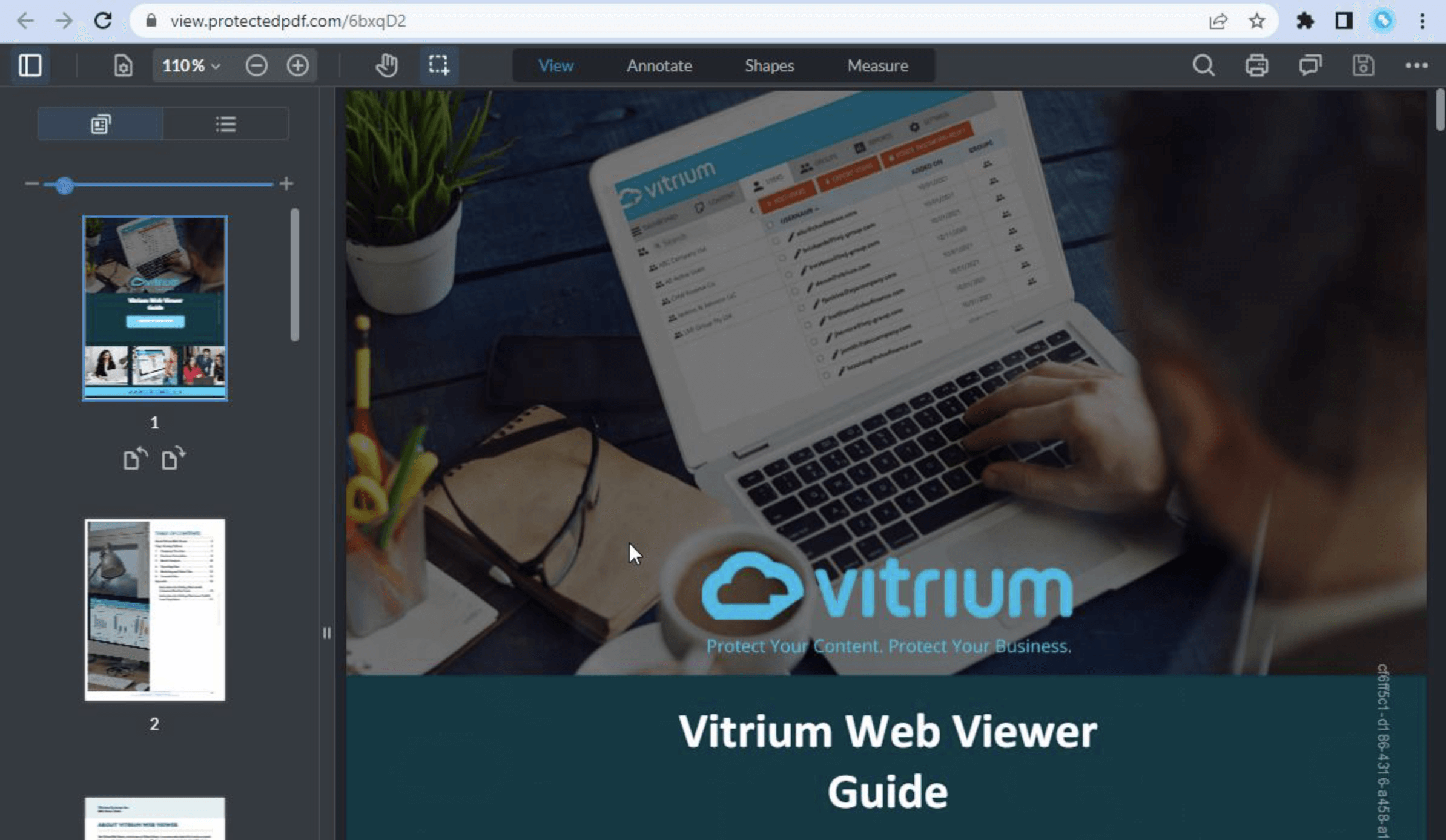
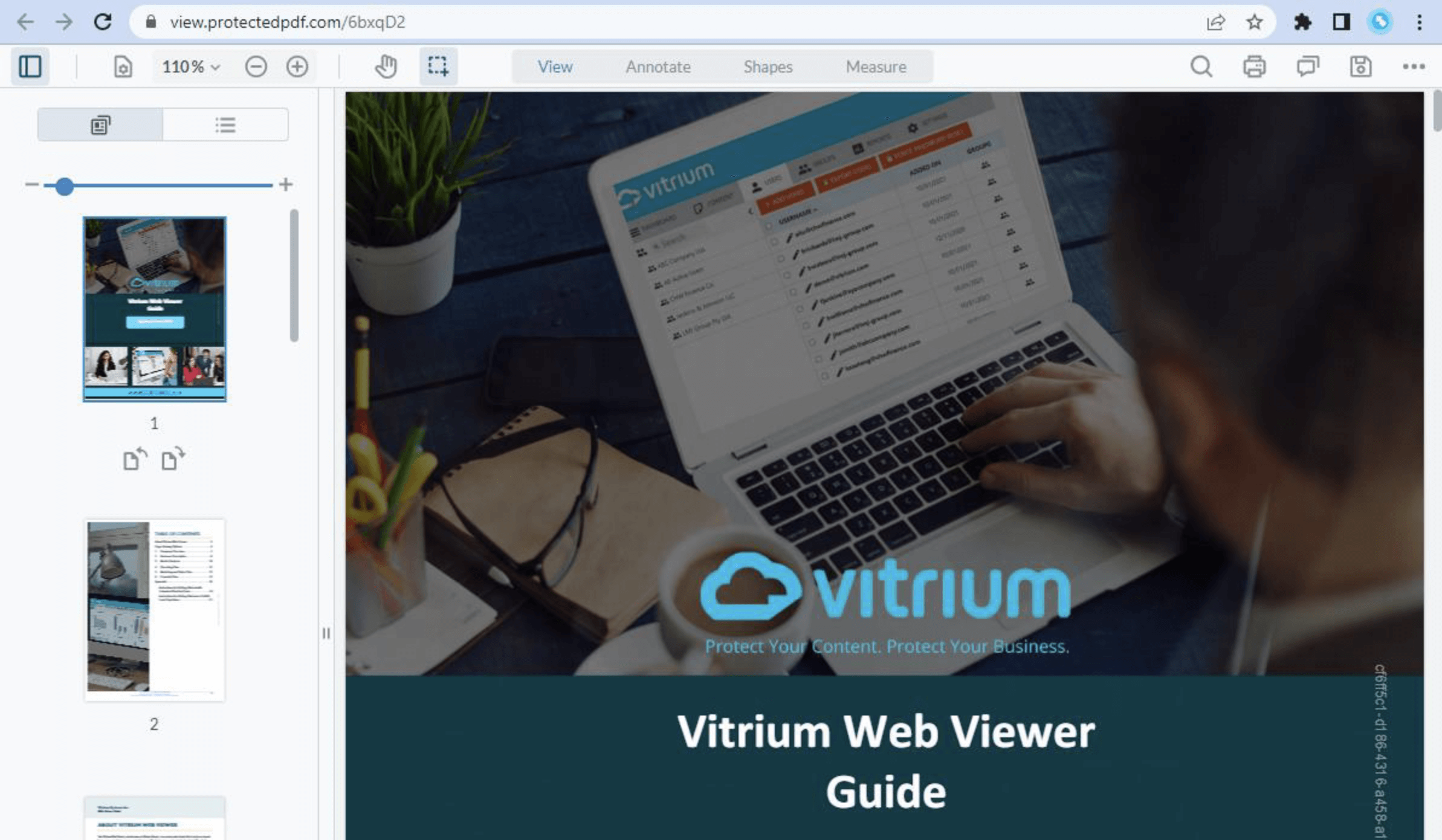
See the screenshots below for how these two modes will appear for users.
Light Mode
Dark Mode