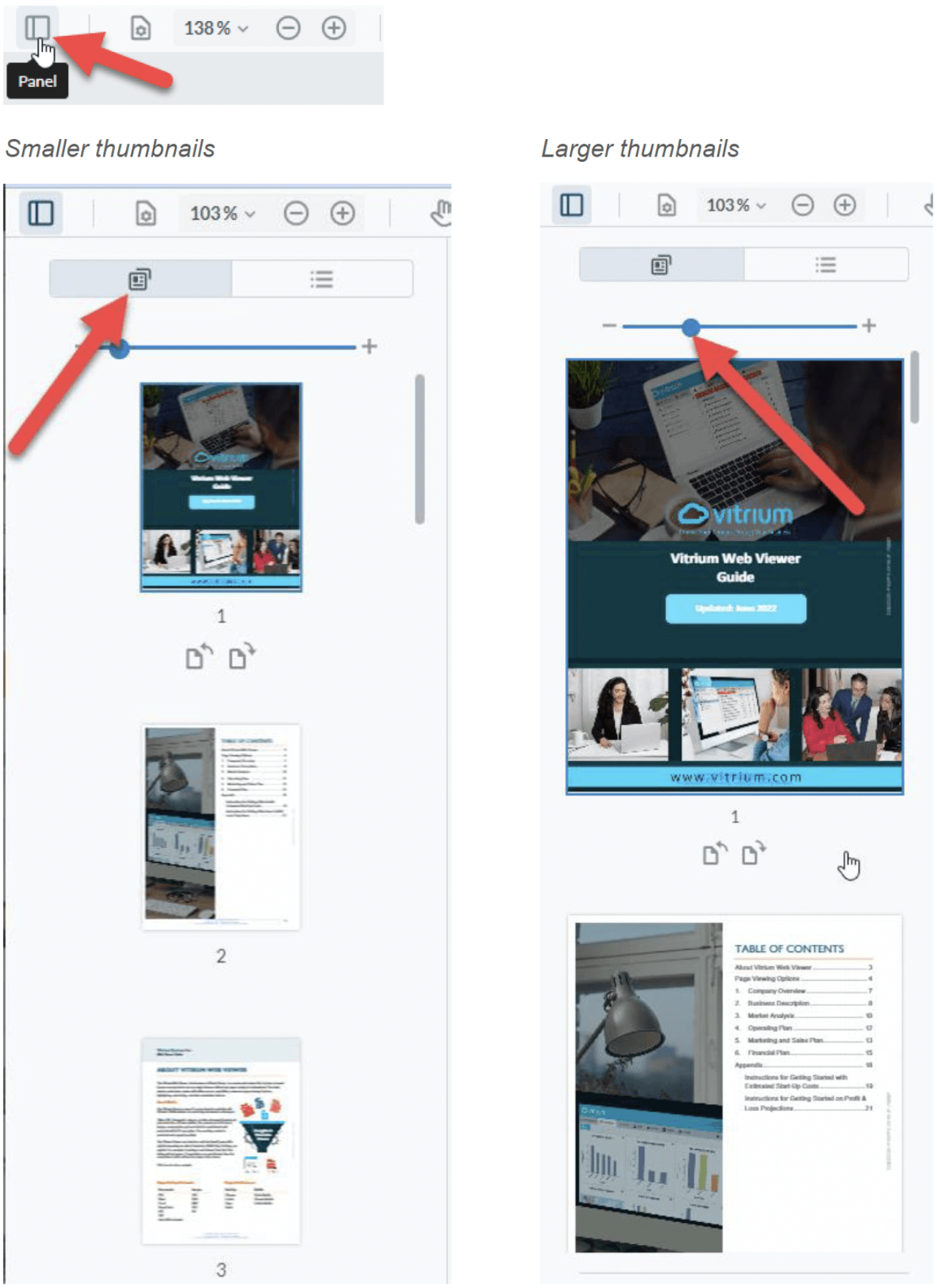
To view the page thumbnails of your content:
- Click the Panel button on the top left side of the web viewer toolbar
- Then click the Thumbnails icon
- You can then scroll through the page thumbnails to find the page you’re looking for
- You can also resize them if they appear too small for you
Please note that thumbnails will blur according to the Content Settings’ Limit Screen Capture Prevention feature.