


To view the Table of Contents or Bookmarks within your document:
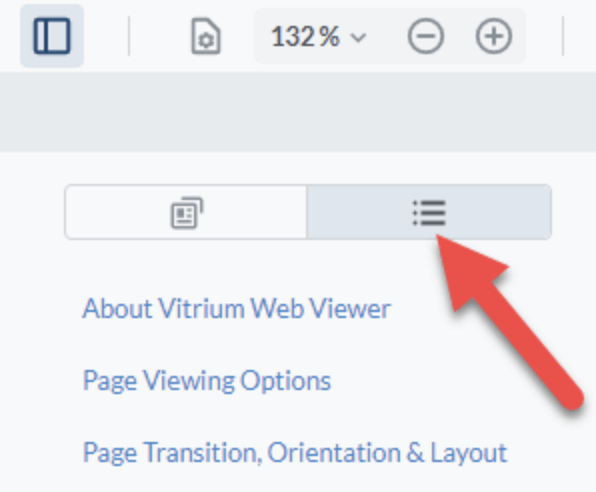
- Click the Panel icon on the top left side of the web viewer toolbar
- Then click the Outlines icon
 Important Note:
Outlines are the same as bookmarks in Adobe. They will only appear in the Vitrium web viewer if your original PDF document had the bookmarks set up correctly.