


Undo
If you wish to Undo whatever highlight, note, comment or other annotation you just made to your content, you can click the Undo button on the web viewer toolbar:

Redo
If you wish to Redo whatever you undid, you can click the Redo button on the web viewer toolbar:

Eraser
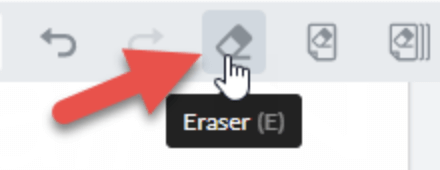
If you wish to erase any annotations you have just made to your content, you can click the Eraser button on the web viewer toolbar:
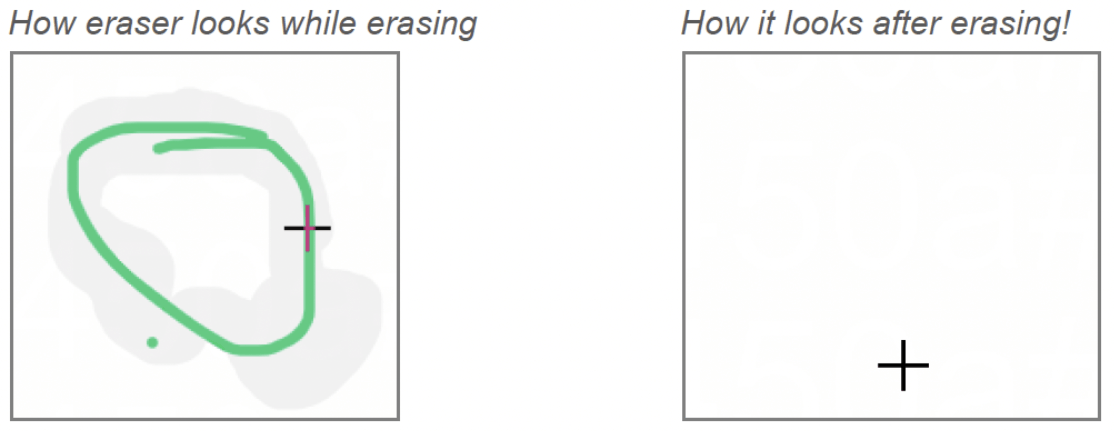
You then erase your annotation as you would with a normal eraser:
Erase Annotations from Single Page
If you wish to erase all annotations from a single page, click this button on the toolbar:

Erase Annotations from All Page
If you wish to erase all annotations from all of the content, click this button on the toolbar:
