An issue that some users may encounter in the secure web viewer is the content does not load.
The error will appear like this:
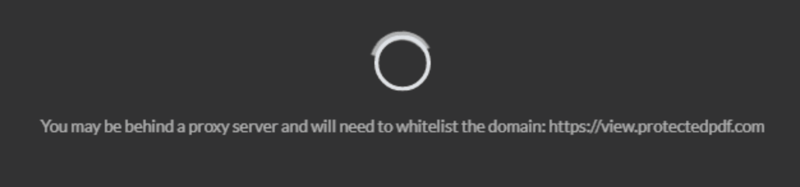
This may occur for users who work in very strict IT environments such as financial services, government, and large multinational organizations.
The information in the User Activity Log will report a successful unlock but the content does not load on their screen. This is likely due to a proxy server or firewall blocking the authentication communication to the server.
 Suggested action
Have the user ask their IT department to whitelist the domain protectedpdf.com on port 443 (https)
If you use your company domain or a custom domain for Vitrium-protected content (i.e., view.mycompanydomain.com), then have the user ask their IT department to whitelist that domain on the same port 443 (https).
Read more about proxy server and firewall configuration for Vitrium-protected content here: Proxy & Firewall access