Welcome to Vitrium Security!
You have subscribed to one of the premier digital rights management (DRM) software-as-a-service (SaaS) solutions to help you protect your valuable intellectual property, sensitive assets, and/or confidential information.
Before logging in, it will be important for you to be aware of the different components of the Vitrium app and who will log in to which app (or portal).
Admin UI
The Vitrium Admin UI (user interface) is the web app where you will upload your content for protection, add users or groups, view the reports, and manage your settings, including watermarks, content settings and DRM policy settings.
Staff Users will log into the Vitrium Admin UI (administrative user interface)
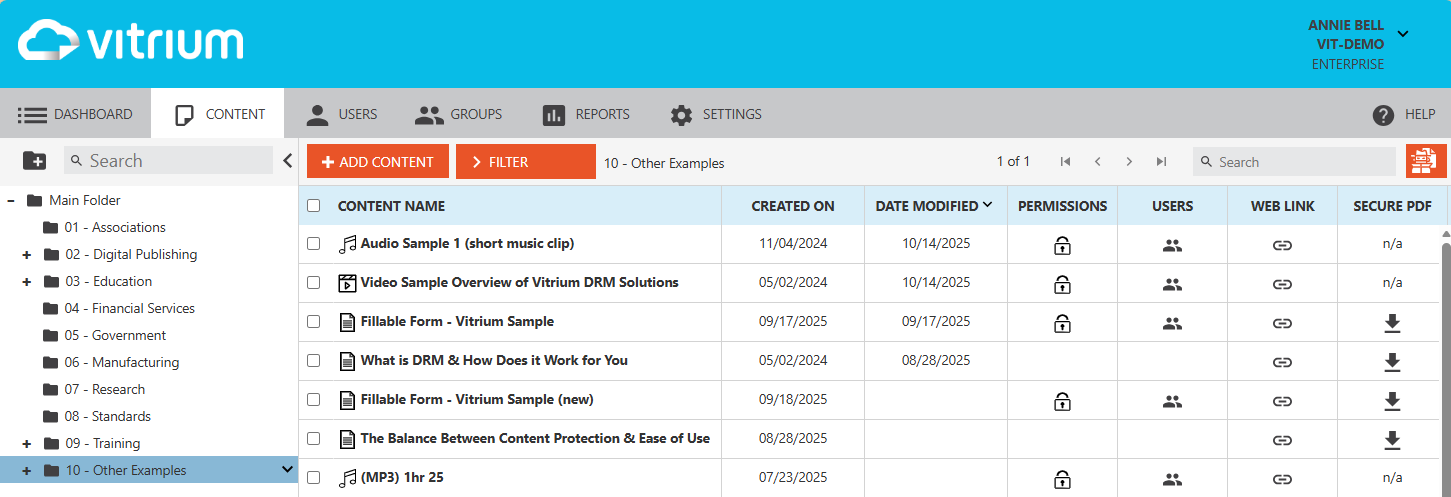
Click here to log into the Admin UI now ⇒
Protected Content or User Portal
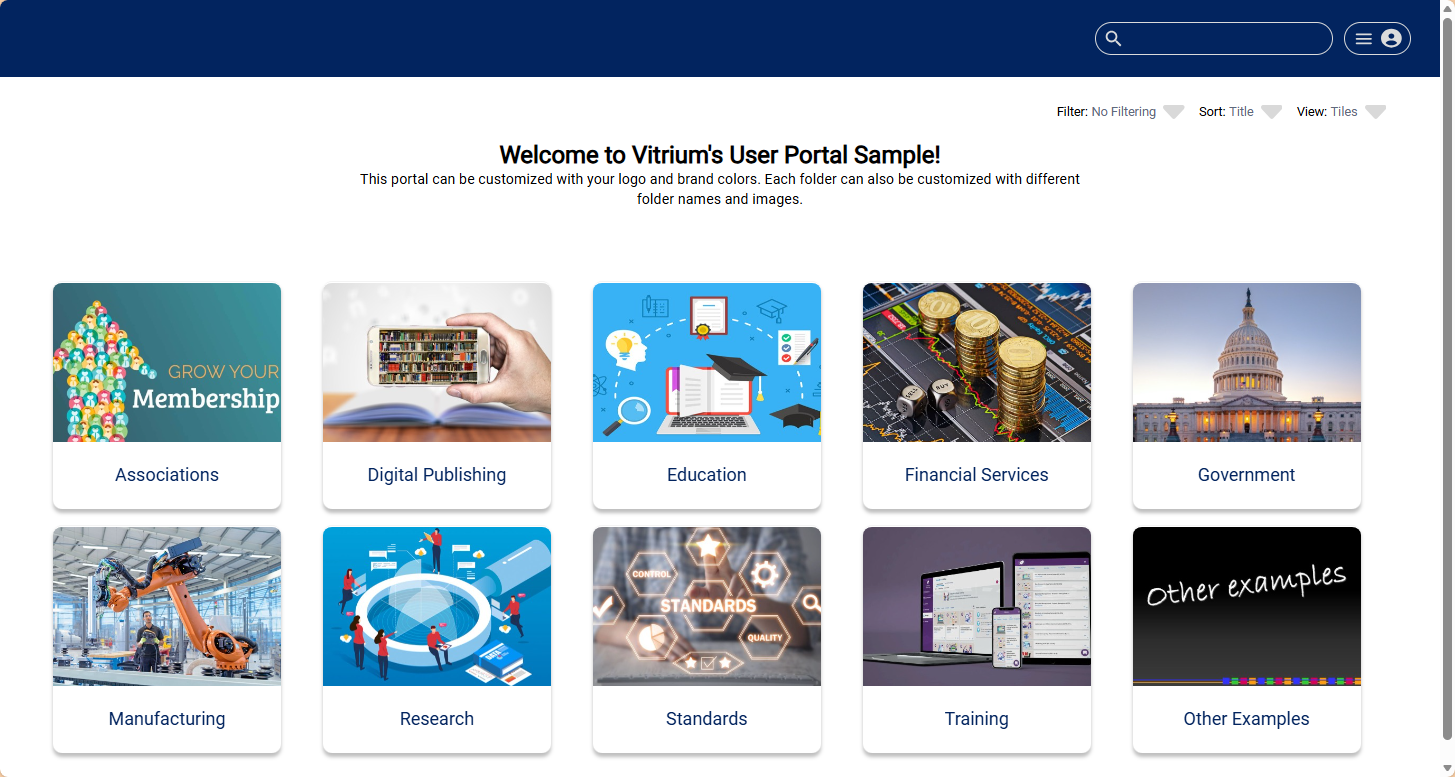
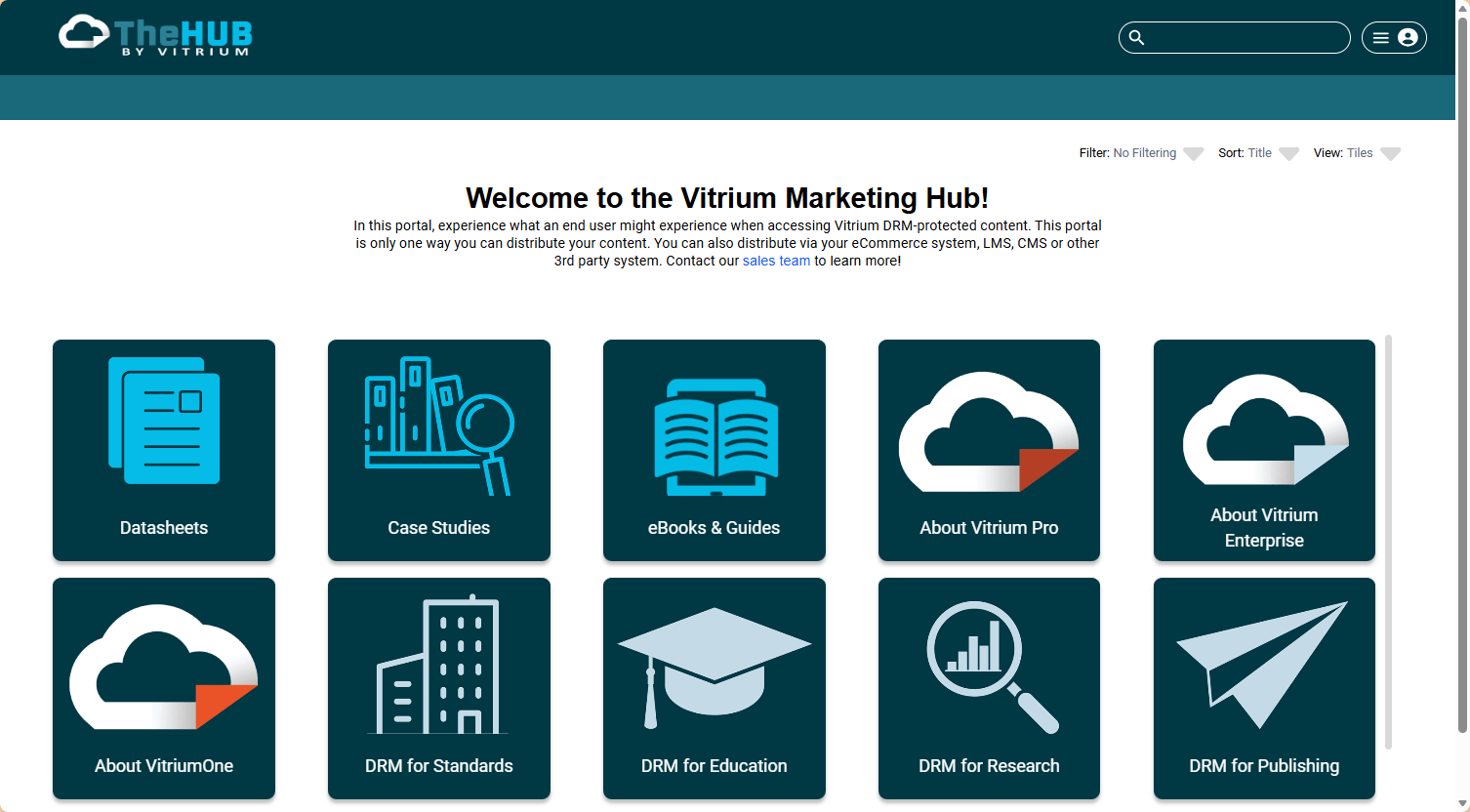
End users will log in or access the protected content, either through the user portal or directly into the web viewer, video, audio, or protected PDF. End users are the authorized users who you assign permission to access Vitrium-protected content.
For most Pro Edition customers, your end users will be accessing content from the User Portal. To find the link, go to SETTINGS > PORTAL SETTINGS and it will be the Portal URL.
For Enterprise customers, your end users will most likely be accessing content from your company's portal, website or system. This may or may not be set up at this time so be sure to inquire with your Vitrium administrator or your technical team.
Below are two different examples of user portals to show how you can customize the colors and images. Click Portal Settings to learn more.