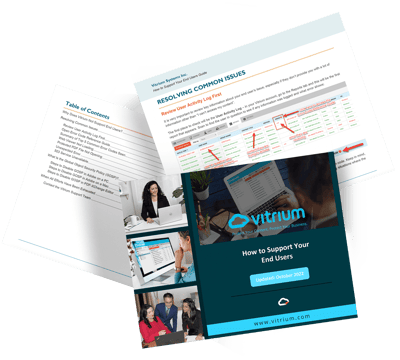
About this Guide
In this End User Guide, you will learn how to support your end users, the recipients of your Vitrium-protected content. You can click here to access the full guide now or click below to find the information you're looking for.


Welcome
Reasons to Support End Users
Learn why we ask our customers to support their customers (what we call "end users") of Vitrium-protected content.
Reference Materials
Common Error Codes
Unexpected Error
Learn how to check your integration code when this error appears, or ask your IT team.
Web Viewer Help
Protected PDF Help
Global Object Security Policy (GOSP)
Learn what is Global Object Security Policy and how to disable this feature to prevent cookies and tracking issues.
Disable GOSP in Adobe (PC)
Learn the steps for disabling the global object security policy in Adobe on a PC.
Disable GOSP in PDF-XChange
Learn the steps for disabling the global object security policy in PDF-XChange Editor.
Disable GOSP in Adobe (Mac)
Learn the steps for disabling the global object security policy in Adobe on a Mac.
Contact Vitrium Support
Learn when and how to contact Vitrium support and what information to prepare.