Use the Free Hand tool in the Vitrium web viewer to draw anything you’d like in your content.
To draw something in your content:
- Click on the “Free Hand” icon in the Annotate ribbon. As with other annotation features in the web viewer, you can have 4 pre-set colors for your drawing:

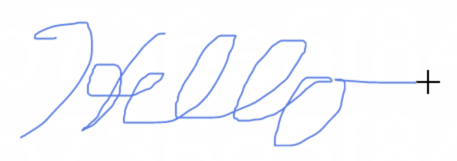
- Draw what you like in your content:
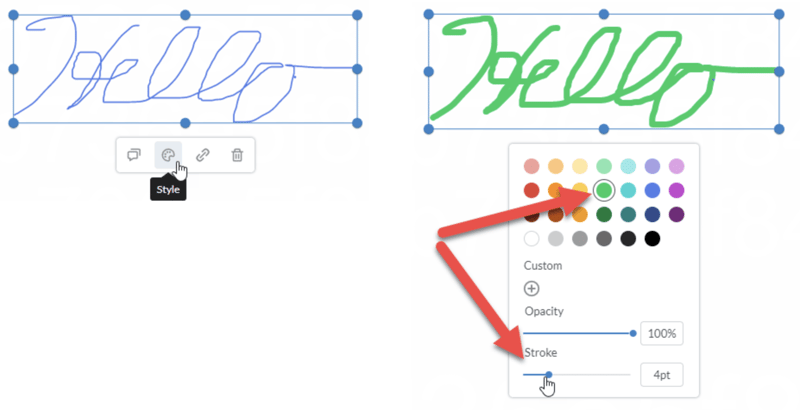
- If you wish to change the color or stroke size, click your drawing to select it, then click the Style icon and change it to what you like: