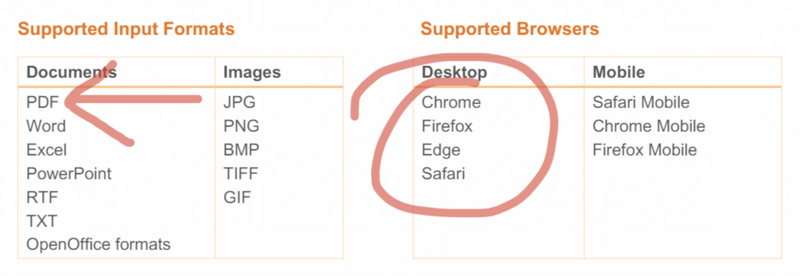
The Vitrium Viewer has an extensive number of annotation features built into its viewer toolbar with an incredible array of color choices, pen styles, highlighter thicknesses, font types, and much more!
If you have annotations enabled in your web viewer, then you should see this "Annotate" ribbon in the web viewer interface:

There are two ways to select the highlight feature:
- Highlight – this allows you to select text to highlight. It's ideal for highlighting specific sections of text.

- Free hand highlight – this allows you to highlight with your free hand (or mouse). It's ideal for non-text areas to highlight.

With both types of highlighting, you have 4 pre-set colors and opacity or stroke sizes to choose from:
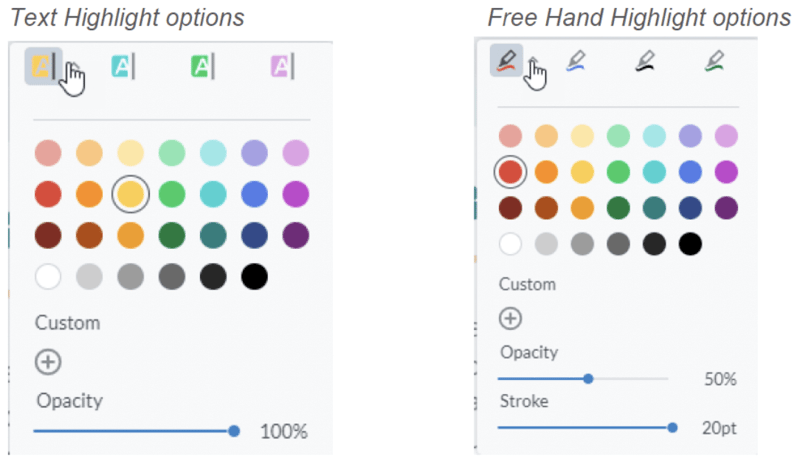
Sample Text Highlight with Yellow and 100% Opacity

Sample Text Highlight with Yellow and 50% Opacity

Sample Free Hand Highlight with Red and 100% Opacity and 10pt Stroke
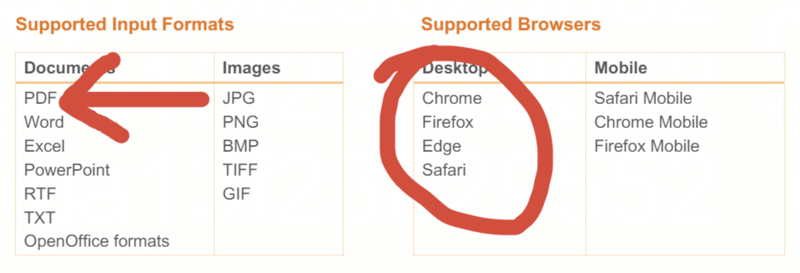
Sample Free Hand Highlight with Red and 60% Opacity and 5pt Stroke