There are different shapes you can add to your content in the Shapes section of the Vitrium web viewer:

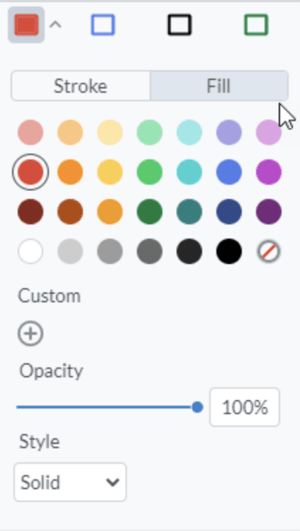
As with other annotation features in the web viewer, there is 1 pre-set color but 20 colors to chose from for your shapes, and you can select whether you want a shape with an outline or filled in. You can also change the stroke size (thickness).
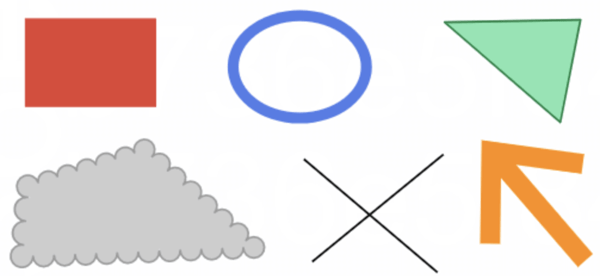
Here are various samples:
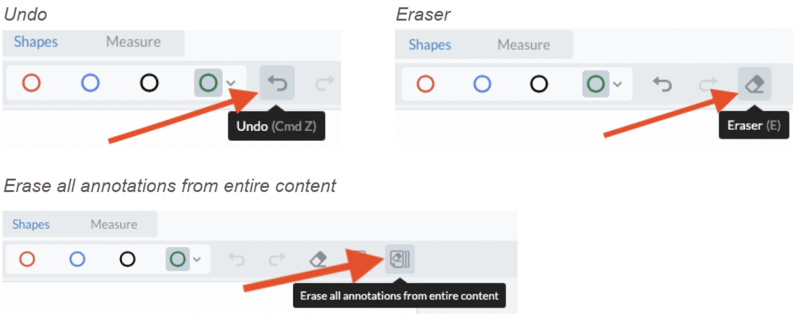
If a you make a mistake with your shape, you can always click 'Undo' or use the 'Eraser' button. You can also Erase all annotations from entire content.