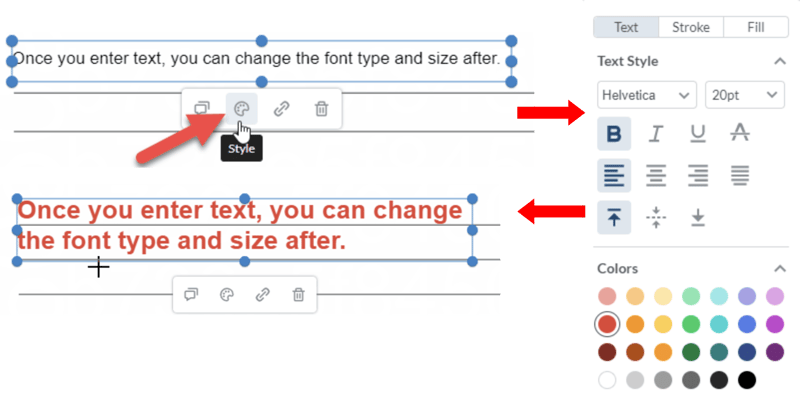
Use the Text tool in the Vitrium web viewer to add some text or a whole paragraph onto your content.
- Click on the “Free Text” icon in the Annotate ribbon. As with other annotation features in the web viewer, you can have 4 pre-set colors for your text:

- You can then draw a box where you’d like to add your text:
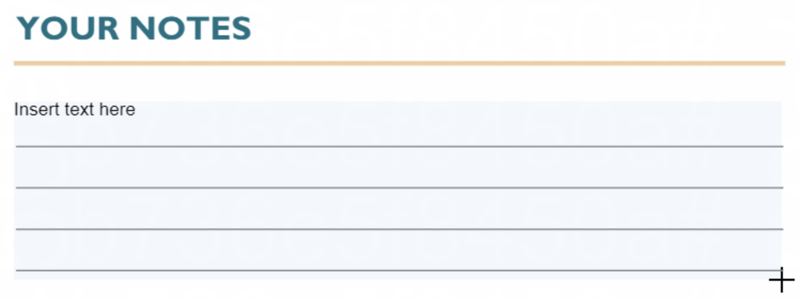
note
The lines above were already in the content itself. They were not added by the Text feature. - Type your text in as you normally would. You can change the font style, size and other details by selecting your text, then clicking on the ‘Style’ icon: