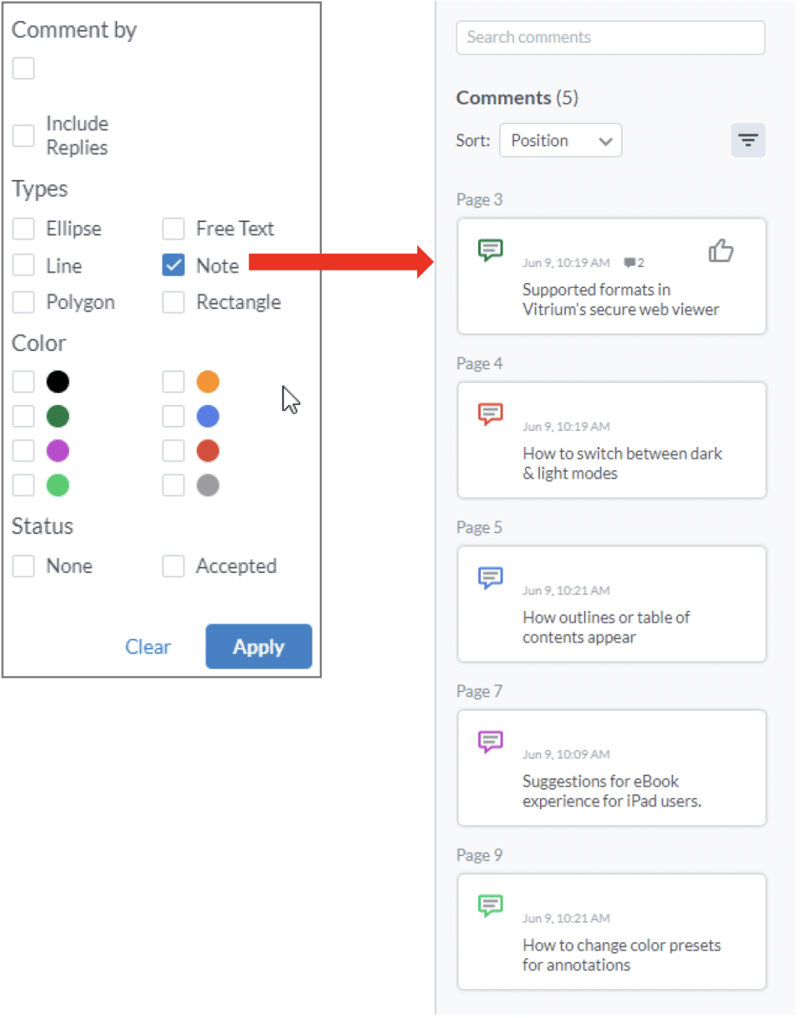
Instead of searching for comments or annotations, you can also sort or filter them by different options.
Click the 'Sort' box and select from different options:
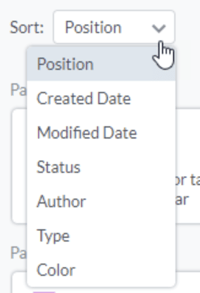
- Position – sorts by what page number the annotation is on
- Created Date – sorts by the date when the annotation was created
- Modified Date – sorts by the last date when the note or annotation was modified
- Status – sorts by whether the comment was Accepted, Rejected, Cancelled, Completed, and so on
- Author – this one is not applicable since this content is exclusive to you
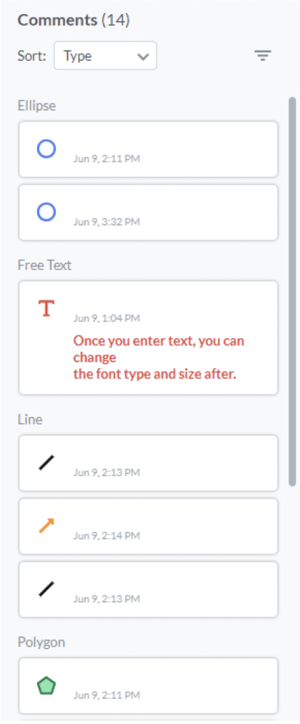
- Type – sorts by the type of annotation (see sample below)
- Color – this sorts by colors in alphabetical order
Sample of annotations sorted by "Type"
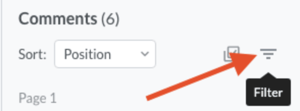
Click the 'Filter' icon and select from different options:
The options that appear in the 'Filter' box will only show what you’ve added to your content.
Sample of filtering by 'Note'