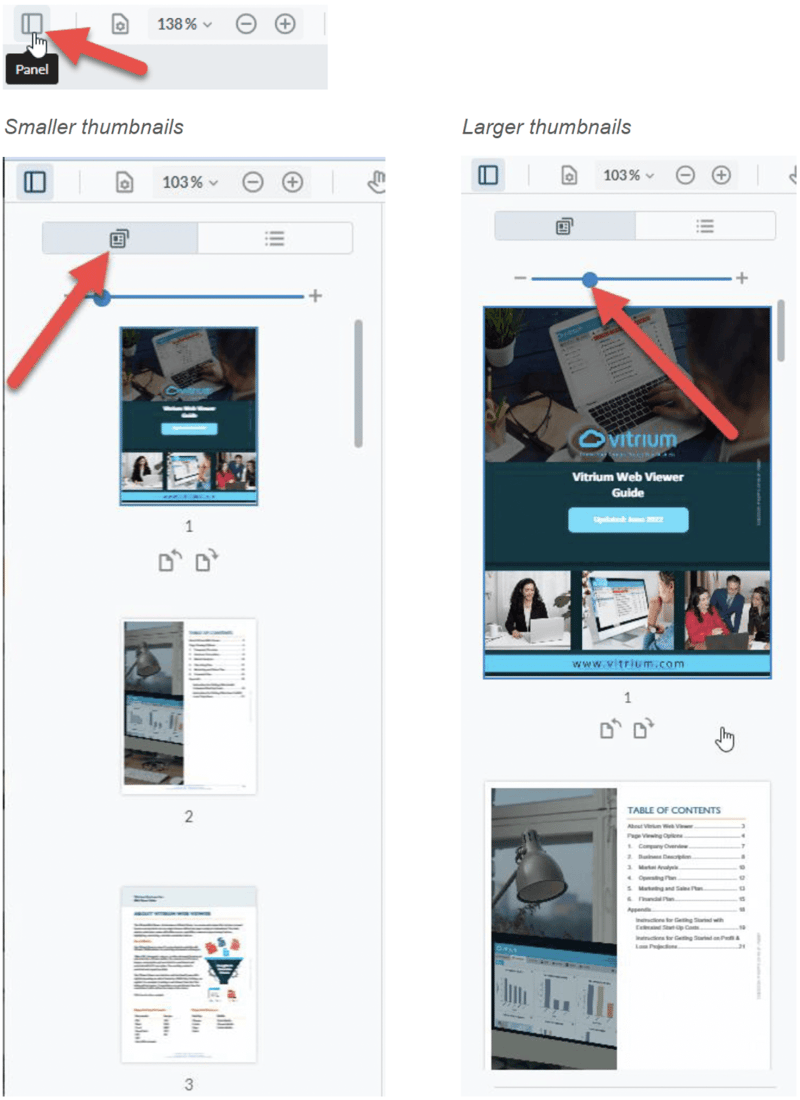
To view your content's page thumbnails, click the 'Panel' button on the left-hand side of the web viewer.
You can then scroll through the page thumbnails to find the page you're looking for or resize them if they appear too small for you.
To view your content's page thumbnails, click the 'Panel' button on the left-hand side of the web viewer.
You can then scroll through the page thumbnails to find the page you're looking for or resize them if they appear too small for you.
We strongly believe in being responsive and accountable, which sets us apart from others in the industry.
© Copyright 2026 Vitrium Systems Inc.