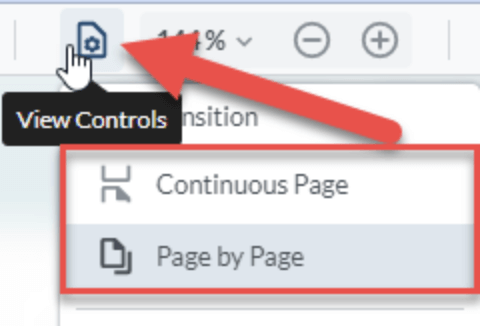
To change the way your pages transition in your content, click the “View Controls” button, then select Continuous Page or Page by Page to suit your preferred style:
- Continuous Page: ideal for desktop users who like to scroll continuously through pages of a document
- Page by Page: ideal for tablet and mobile users who like to swipe through pages one at a time with their finger
important note
The Double Page and Cover Facing Page layouts work best with the Page by Page feature to give you that true eBook reading experience, especially for iPad / tablet users!