Staff Users will log into the Vitrium Admin UI (administrative user interface). This is where you can:
- Upload your content for protection
- Add users or groups
- Assign permissions
- View the reports,
- Add or modify settings (watermarks, DRM, etc.)
You will need Internet access to log in and you can log in from any device (PC or Mac, desktop or tablet) though it is recommended to log in from a desktop for the best experience.
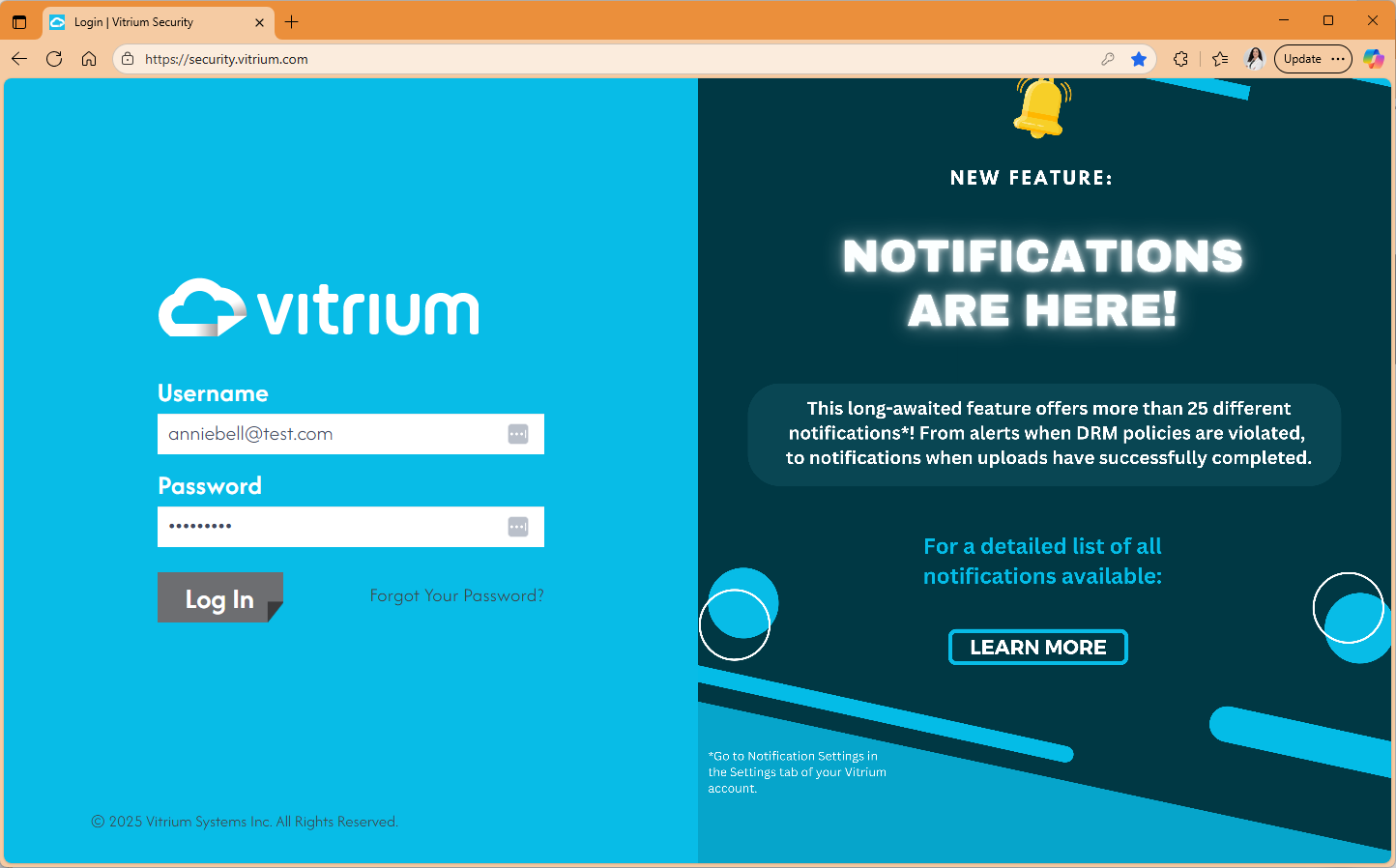
- To LOG IN to the Admin UI, go to:
USA server (most customers): https://security.vitrium.com
Canadian server: https://security-ca.vitrium.com
If you have the software installed on your hosted environment, you will have your own URL to log into - check with your system administrator. - Enter the username & password that was provided to you. You can always change these after you have logged in. Click Log In.
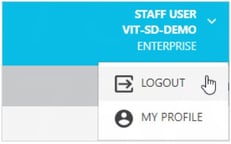
- To change your password or to log out, click on the arrow beside your name at the top right-hand side of the screen and select the appropriate action (MY PROFILE is where you can change your password):