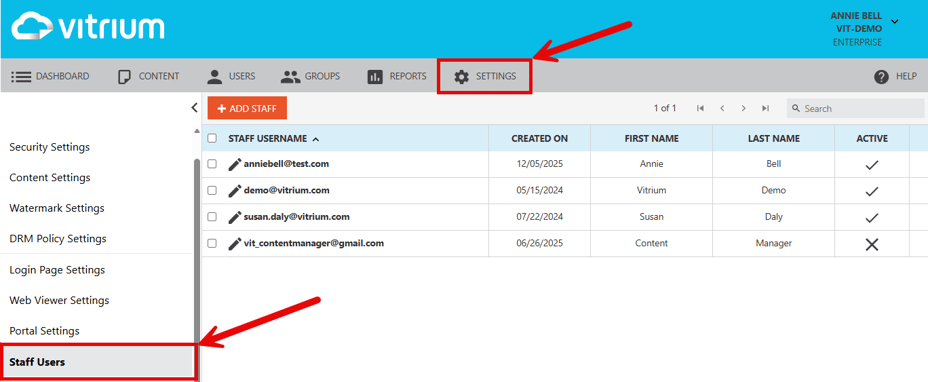
Vitrium has two different types of users in its system and they are managed separately:
End Users
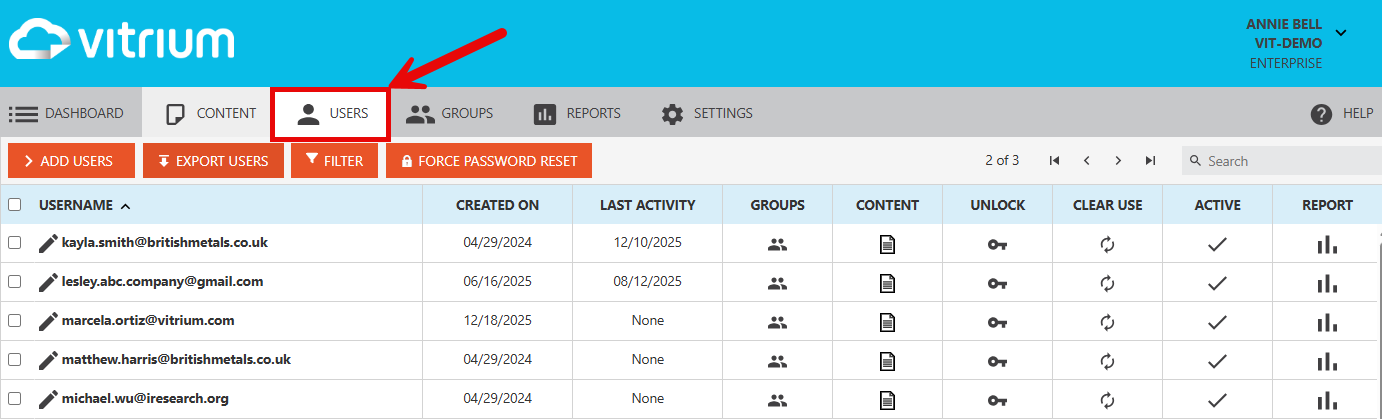
These are the individuals you assign permission to access your Vitrium-protected content. These users can be your clients, customers, employees, teachers, students, partners, or anyone who you wish to provide your content to.
End Users are added in the USERS section of Vitrium. Learn More
important note
For Enterprise customers that integrate Vitrium with another system, end users will be managed in that system, not in Vitrium. You can still view user activity & clear their use in Vitrium.
Staff Users
These are the administrative users (often employees of your organization) who can log into Vitrium to upload content for protection, add users or groups, view the reports, and add or modify any of your settings, including watermarks, content settings and DRM policy settings.
Staff Users are added in the SETTINGS section of Vitrium under Staff Users. Learn More