To view the activity of a specific user, follow these steps:
- Click the Report icon beside the user in question
- You will then be taken to the User Activity Log in the Reports section, which will be filtered by that specific user
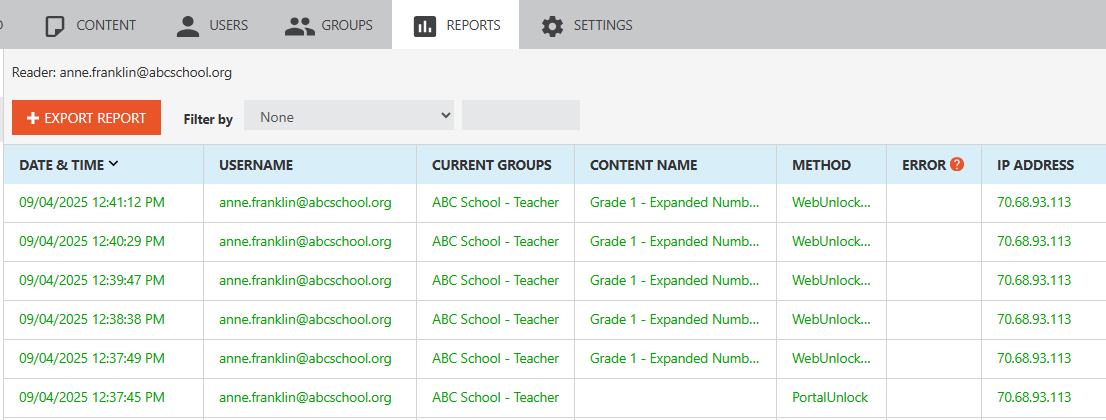
- You can choose to simply view this report or export it by clicking EXPORT REPORT.